Keep a save before the mission
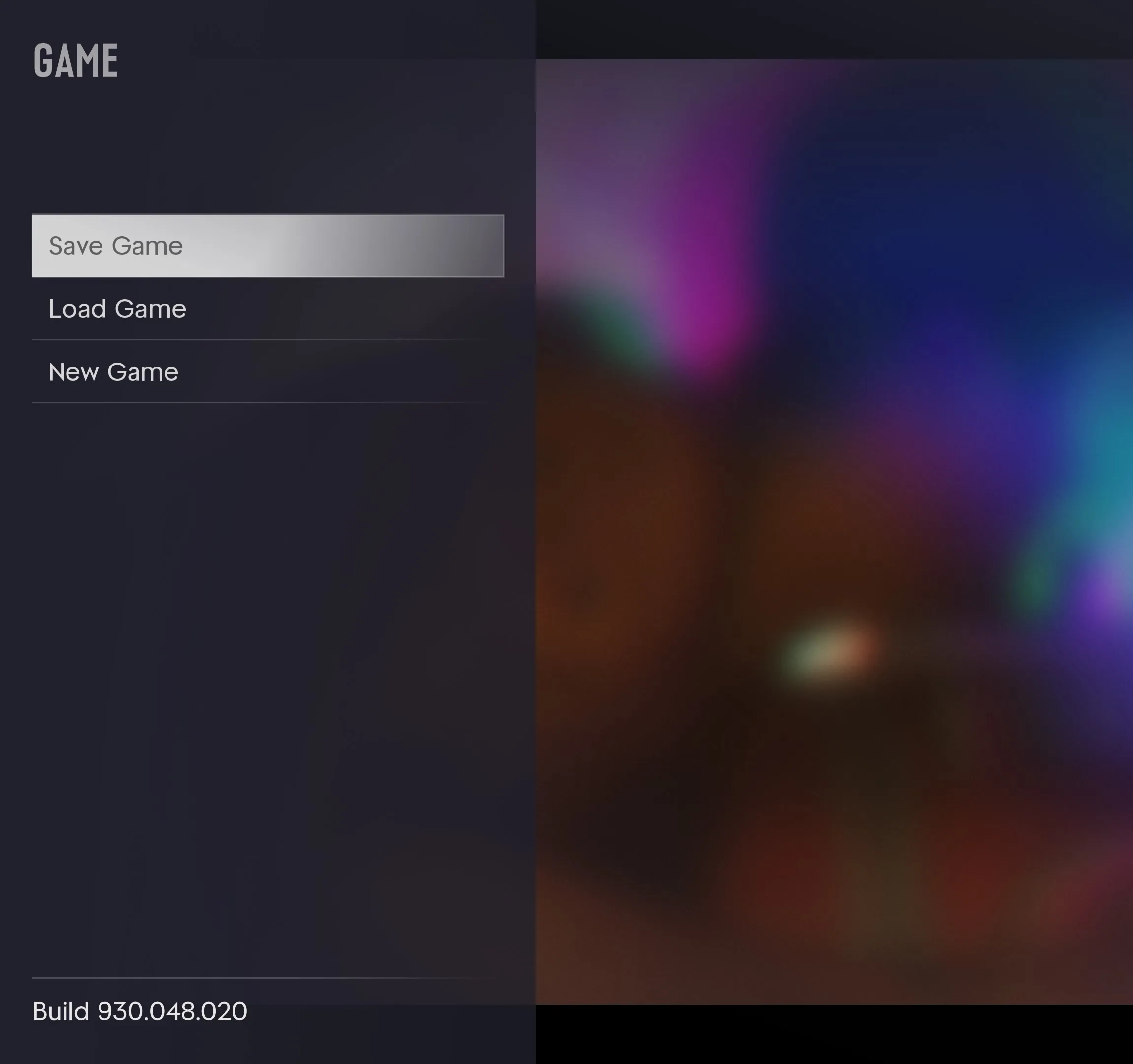
- Open the Game tab in the pause menu and choose Save Game.
- Choose one of the 15 manual slots. Use a fresh slot for a chapter opening or a mission you want to revisit.
- Before quitting, open the list under Load Game and check that the manual slot you expect is there. Back out once you have checked it, or select that slot when you want to return to the mission later.
Can you replay a completed mission from the menu?
Launch guides report that Story Mode has no dedicated mission replay menu. If you are still in a mission, restarting a checkpoint is a separate option offered during play.
Why Save Game may be greyed out
Try again in free roam after the current mission or activity releases control. If you enabled a cheat, restart the game and load the manual save you made beforehand. A checkpoint reset can rewind part of the current mission, while an earlier manual save rewinds the whole game state.
When to rely on the autosave
The launch walkthrough documents one autosave slot. Going back to an earlier manual save can replace that autosave as play continues, so use separate manual slots you can recognize by their displayed progress. If Gone Fishing seems finished but the next launch sends you back, use the objective and the save list to confirm progress before your next exit. A universal autosave schedule for side activities has yet to be established.