Find the Phoenix in the impound
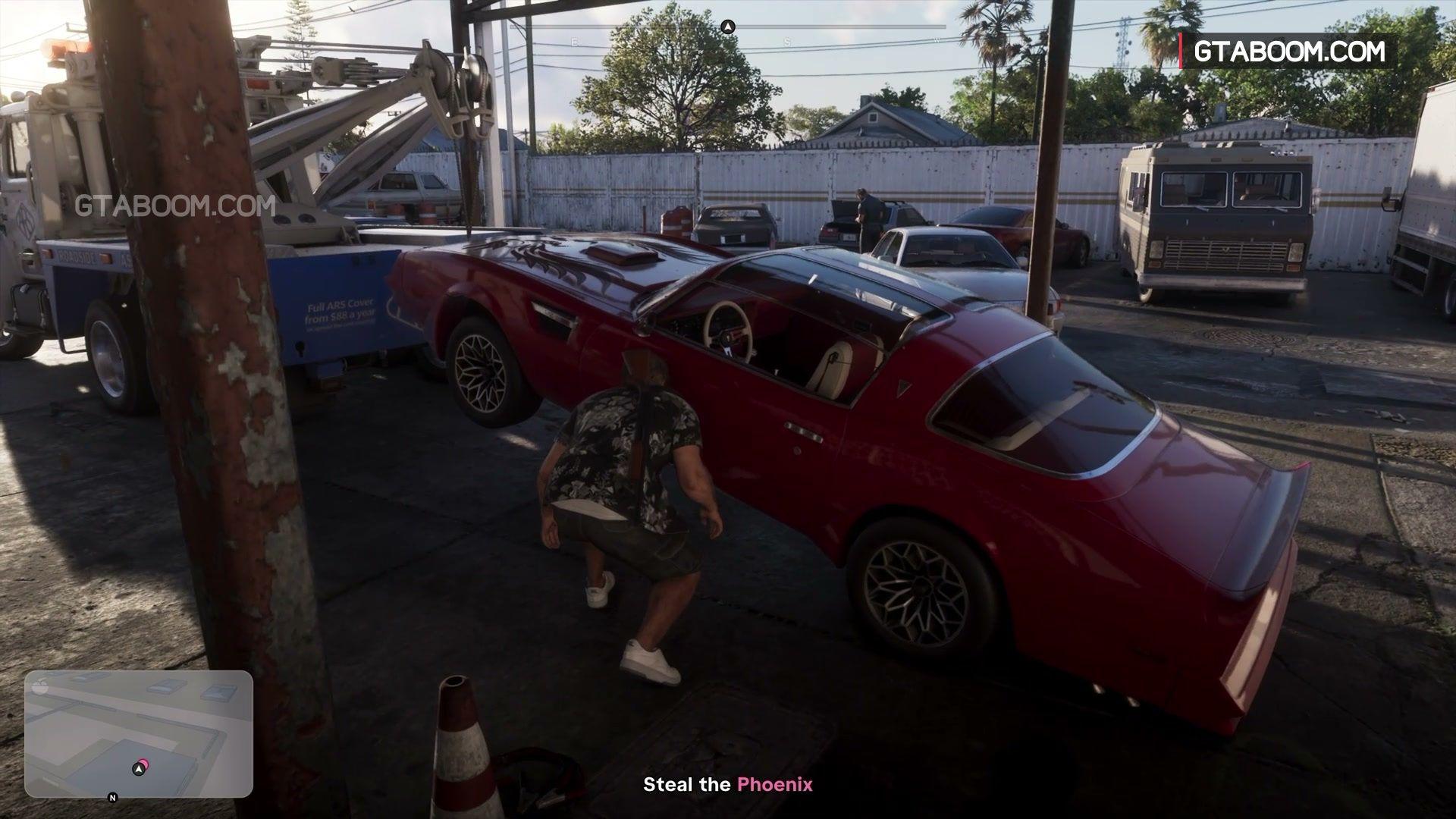
At Hamlet Police Impound, use the chain-link gate by the sign as your landmark. The recorded route crosses the container area into the next lane of vehicles. Look under the awning for the red Imponte ’77 Phoenix behind the blue-and-white truck.
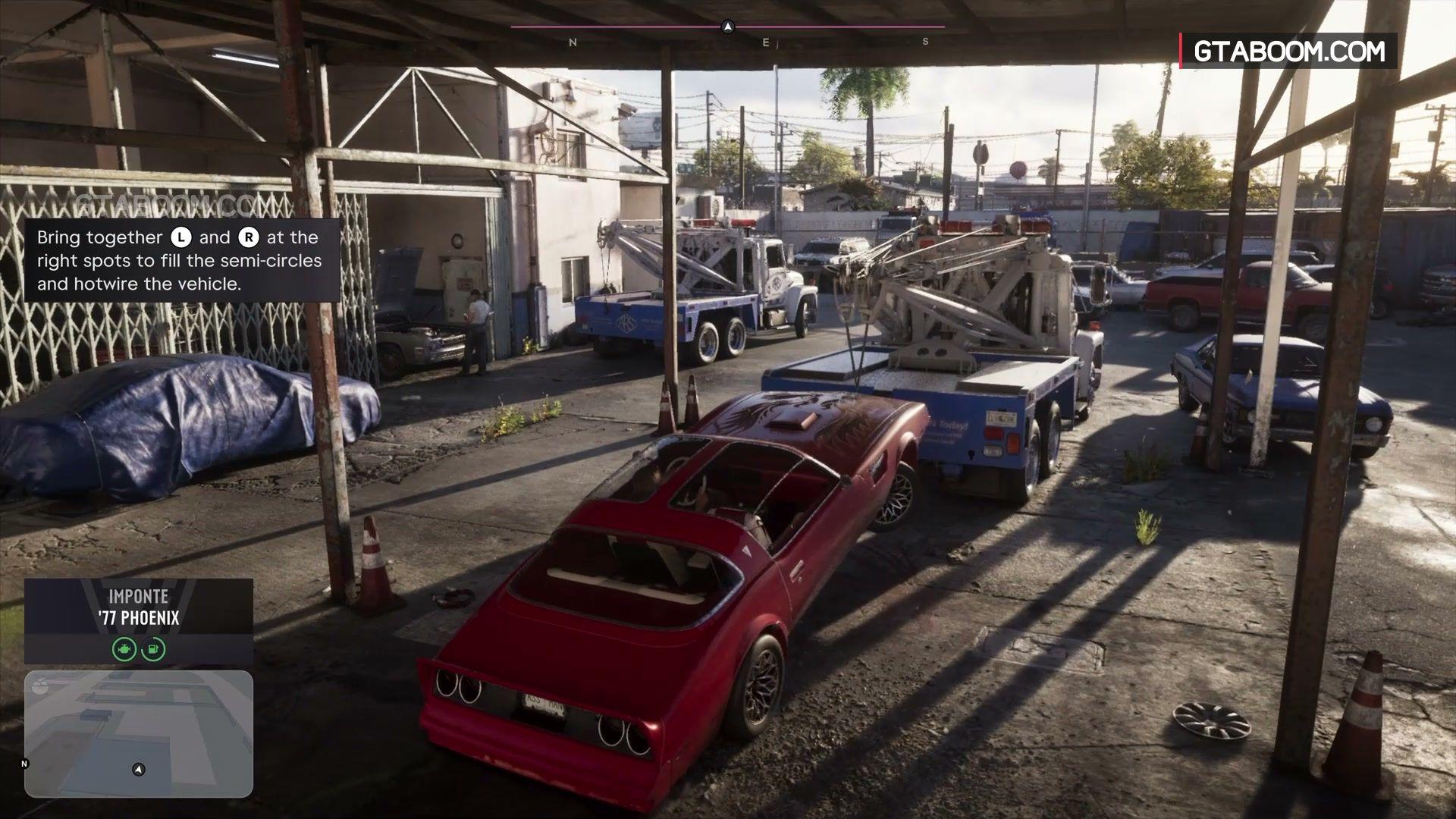
Enter the Phoenix itself. In the recorded route the car is already on the ground. Work each stick until the two circles on the hotwire prompt fill, then follow the exit driveway.
See the Phoenix behind the truck · See the two-stick hotwire screen Screenshot source: GTA BOOM’s Unwanted Attention walkthrough · Game imagery © Rockstar Games.
Clear the search, then repair and respray
Break line of sight and get beyond the active search area shown on the minimap. The route out of Hamlet toward Route 82 is one tested exit. Follow the mission marker to Pay ’N’ Spray once the objective updates.
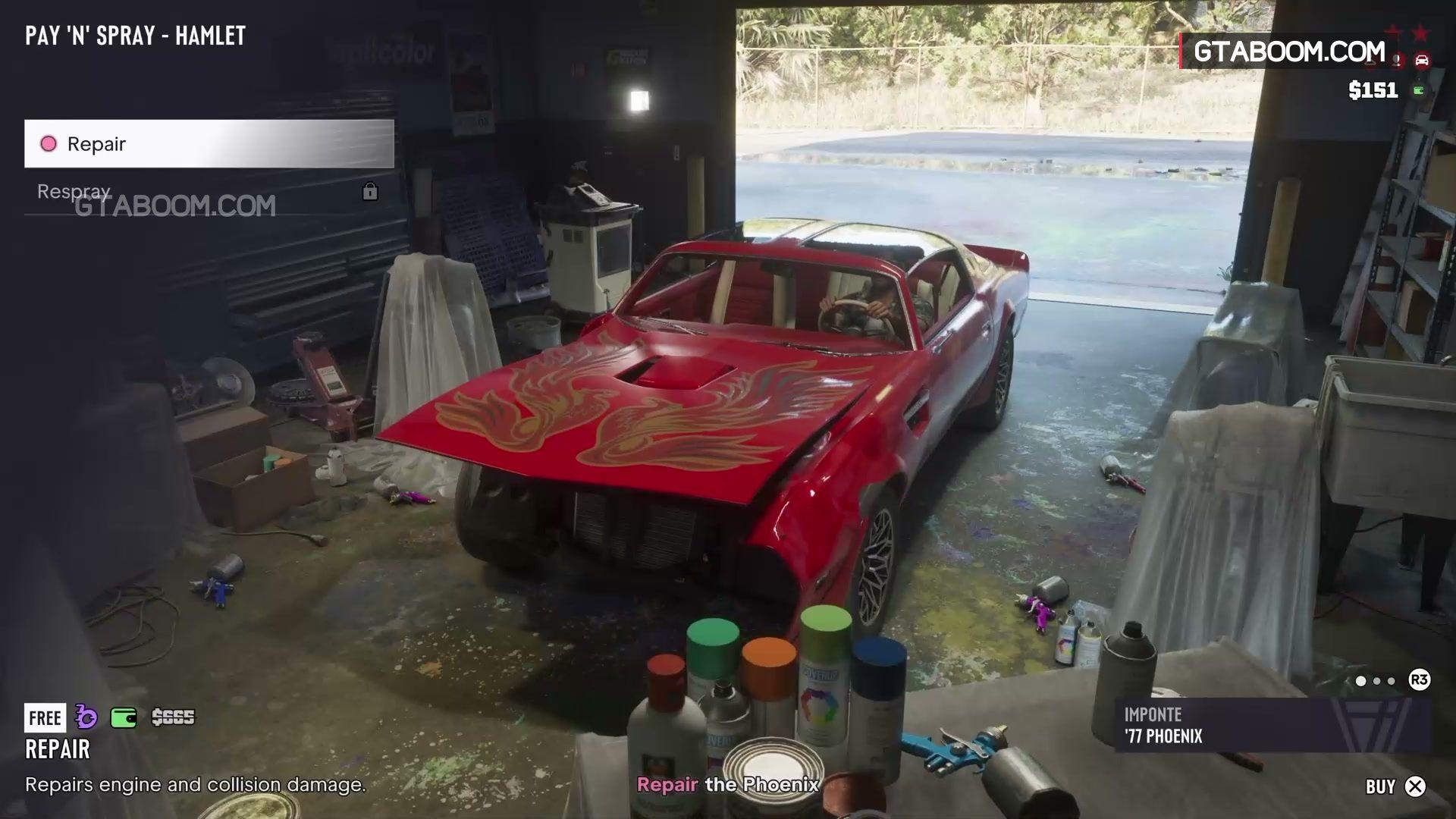
Pick Repair first to unlock Respray. Choose a visibly different paint color and confirm. The old red may be shown as free while the mission still rejects it as too similar.
See Repair before Respray Screenshot source: GTA BOOM’s Unwanted Attention walkthrough · Game imagery © Rockstar Games.
Leave Brian’s garage
- Park all the way inside the striped delivery bay and wait for the accessory prompt.
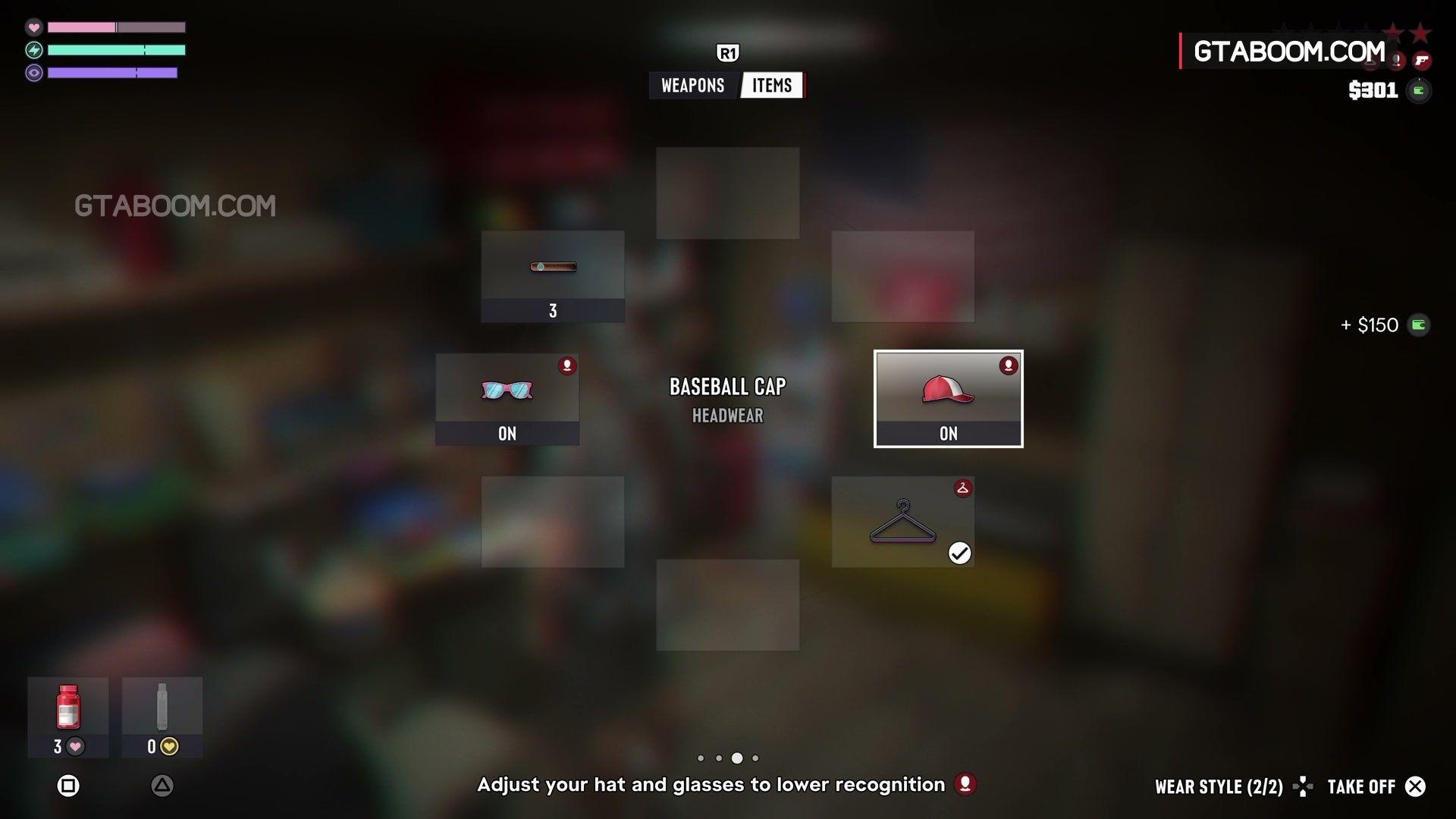
- Hold L1 on PS5 or LB on Xbox to open the loadout. Use R1 or RB to switch to Items.
- Select the marked cap or glasses and use the on-screen Take Off or change action. Check both marked slots, then release the wheel and watch for the objective to advance.
See the marked hat and glasses Screenshot source: GTA BOOM’s Unwanted Attention walkthrough · Game imagery © Rockstar Games.
If the prompt never changes, some launch players described a stuck garage after changing accessories. Use checkpoint or mission restart if offered, or return to a separate pre-mission save. There is no verified universal fix for the stalled prompt. Keep your older save available when retrying.